
International Phone Number Code Dropdown for WooCommerce
Add International Phone Number Support to Your WooCommerce Checkout
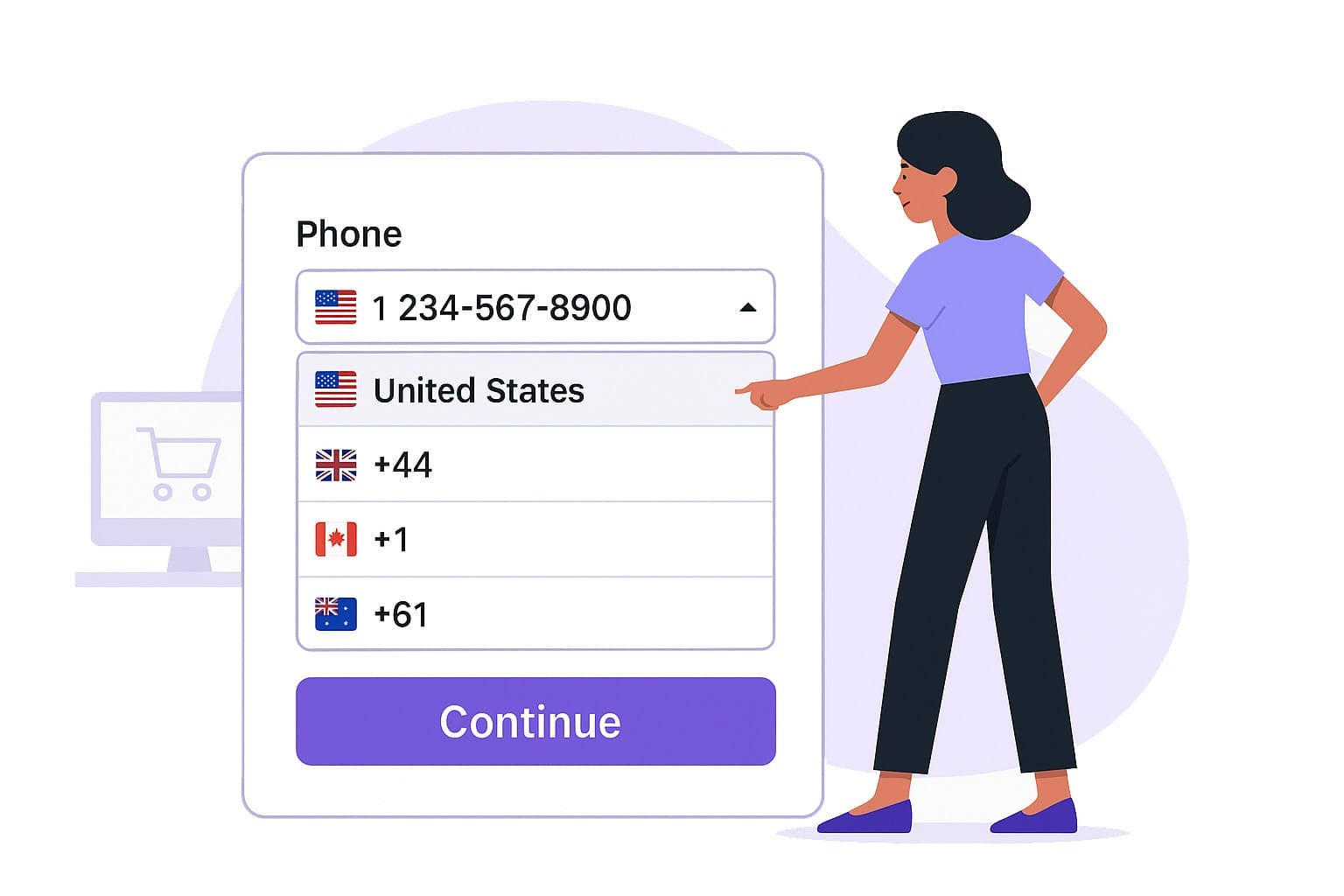
Smart Country Detection
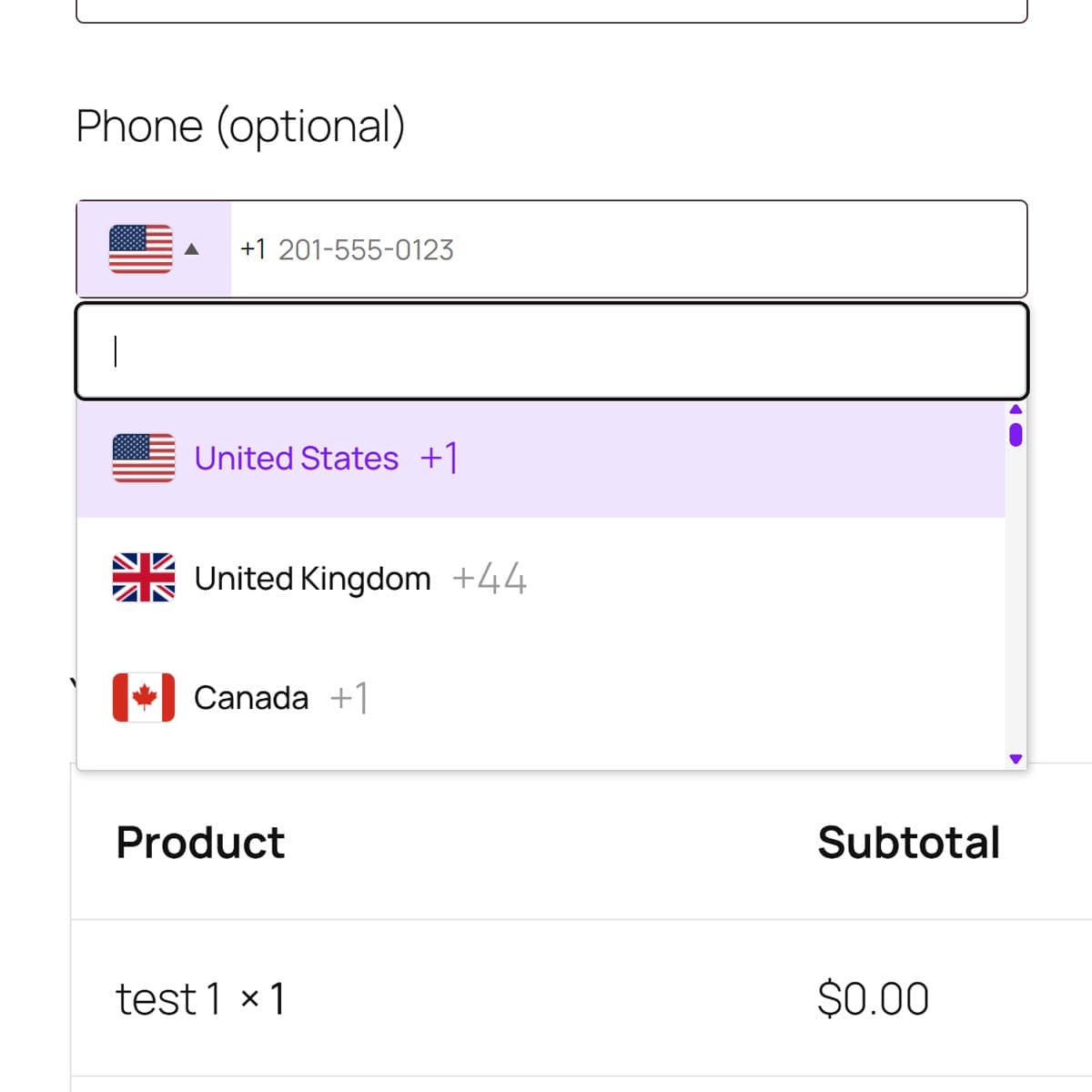
Automatically detects the user's country and pre-selects the correct phone code.
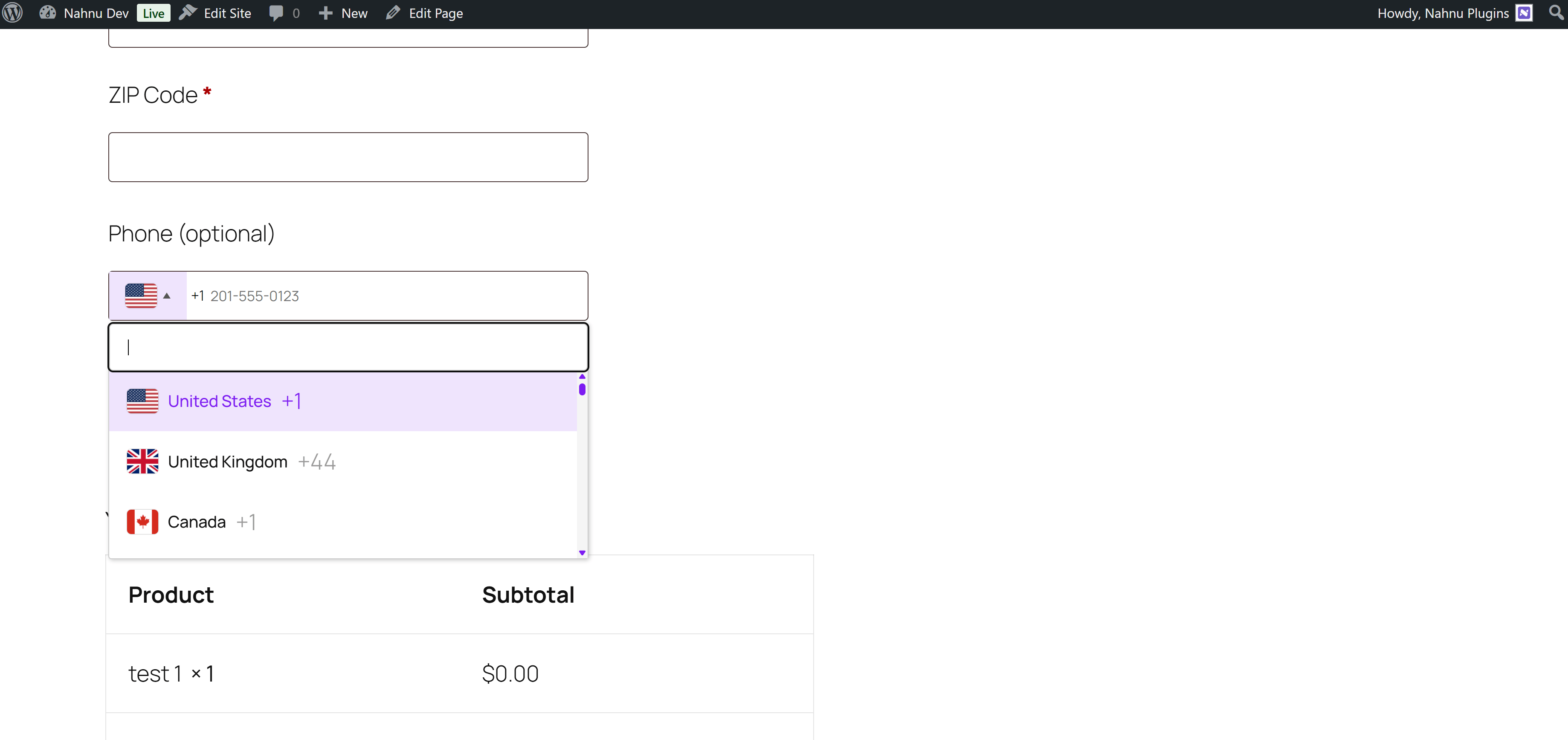
Allows manual selection of country codes via a dropdown with flags.
Enhances phone number validation for better data quality.
Page Builder Support
Seamless Integration with Bricks & Elementor
Works seamlessly with the classic WooCommerce checkout shortcode.
Gutenberg Coming Soon!

FAQs
1. Is this plugin compatible with my WooCommerce theme?
Yes, the plugin is designed to work with most WooCommerce-compatible themes using the classic checkout. If you experience display issues, feel free to reach out for support.
2. Does it work with the new WooCommerce Checkout Block (Gutenberg)?
No, not currently. This plugin currently supports only the classic WooCommerce checkout. Support for the Checkout Block is being worked on.
Can I set preferred countries at the top of the dropdown?
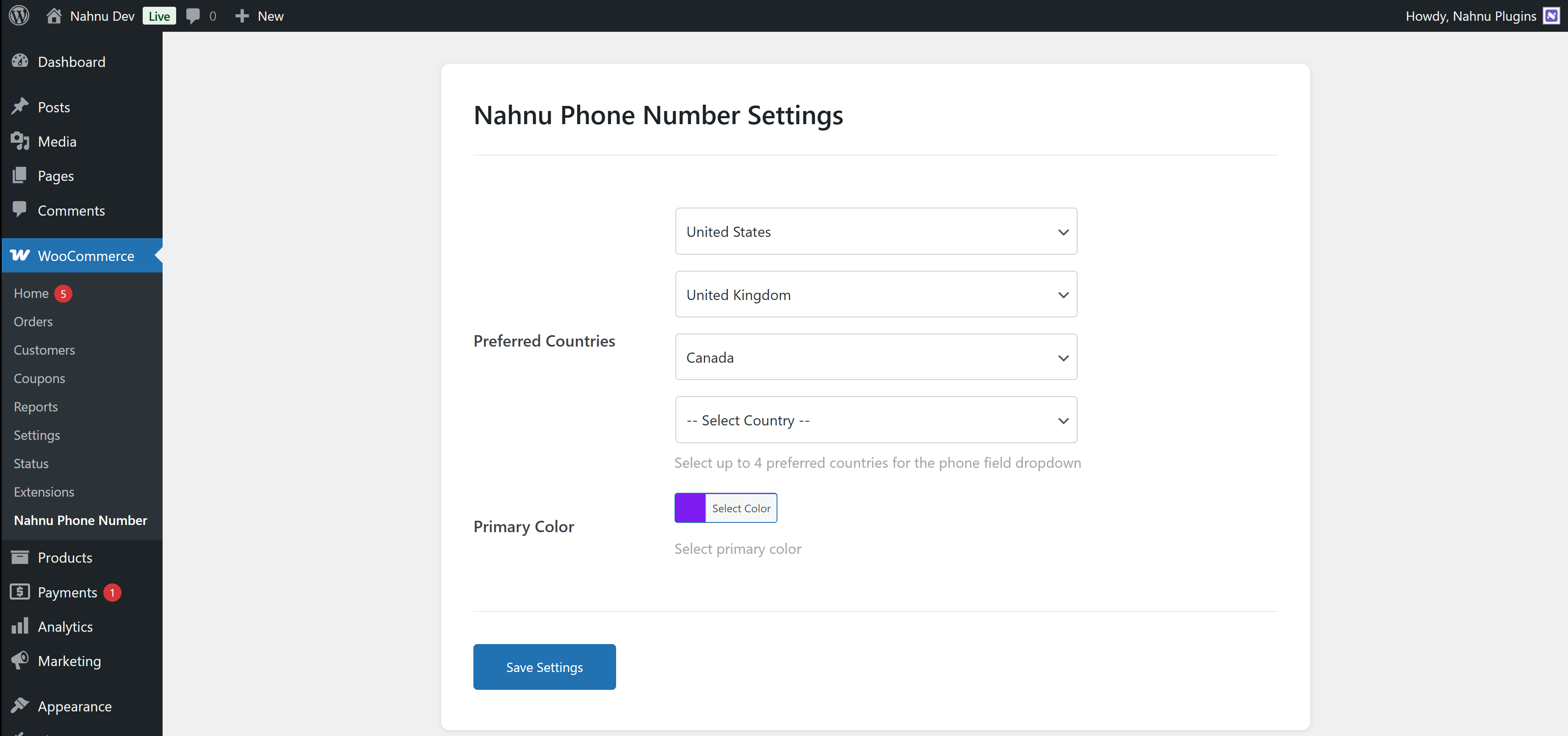
Yes! The plugin settings allow you to choose and display preferred countries at the top of the dropdown list for quicker access.
4. Is RTL (Right-to-Left) language support included?
Yes, the plugin includes full RTL support for Arabic, Hebrew, and other RTL languages to ensure a smooth checkout experience.
5. Can I customize the appearance of the phone field?
You can control basic settings from the admin panel. For deeper customization, the plugin uses standard HTML/CSS classes so developers can easily style it further.
6. How do I install and set it up?
Just install the plugin, activate it, and go to WooCommerce → Nahnu Phone Number to adjust the settings. It starts working automatically on the classic checkout page.
7. Is the plugin translation-ready?
Yes! The plugin is fully ready for translation. You can use tools like Loco Translate or WPML to translate the text into your language.
8. Is the plugin free?
Yes! This plugin is 100% free with no pro or pad version.
Still Have Questions?
Browse the Knowledge Base, and if you don’t find what you need, feel free to email us.
Screenshots
Disclaimer
This page may contain affiliate links, meaning we earn a small commission if you purchase through our links—at no extra cost to you.
Bricks Builder, Elementor, and any other product names mentioned are trademarks of their respective companies. We are not affiliated with or endorsed by these brands. All logos and brand names belong to their rightful owners.

